If you’re using SAP Business One and feeling boxed in by its rigid structure, limited customisation, or costly upgrades, you’re not alone. Many Indian businesses,especially SMEs and startups,are now turning to Odoo, an open-source ERP solution that is more modular, scalable, and cost-effective.
But let’s face it: migrating from one accounting or ERP system to another sounds like a nightmare. That’s where MMC Convert steps in. Whether you’re switching from SAP Business One to Odoo, or between any accounting platforms, MMC Convert ensures a smooth, error-free, and fast data migration,without the usual stress.
Why Businesses Are Migrating from SAP Business One to Odoo
Odoo's community edition is free and open-source, while the enterprise edition offers additional modules and official support at a significantly lower cost than SAP Business One licensing. Businesses migrating from SAP B1 to Odoo achieve immediate savings on licensing and IT infrastructure costs.
SAP Business One has long been the go-to ERP for mid-sized companies. However, with evolving business needs, it’s now often seen as too rigid, expensive, and complex. Many companies face high licensing fees, limited flexibility for customisation, and complex maintenance.
On the other hand, Odoo is designed for today’s agile businesses:
- Modular: Choose only what you need,accounting, CRM, inventory, HR, etc.
- Cloud-native: Easy to access, maintain, and scale.
- Cost-effective: Open-source flexibility without compromising on functionality.
With Odoo, you’re not just saving money,you’re gaining efficiency, control, and adaptability.
What Data Can Be Migrated from SAP to Odoo?
MMC Convert manages the complete SAP Business One to Odoo migration including chart of accounts, customers, vendors, invoices, inventory, payroll, multi-currency records, and historical years. Every record is validated and delivered as a verified Odoo environment ready for immediate business operation.
One of the biggest fears during migration is data loss. But with MMC Convert, your critical records move safely and completely. Here’s what gets transferred:
- Chart of Accounts
- Trial Balance and Opening Balances
- Customer and Supplier Master
- Sales and Purchase Invoices
- Bills, Payments, and Journals
- Inventory data (if required)
- Audit trails and GST-related records
No partial imports. No broken links. Everything you need is delivered in Odoo-ready format.
How MMC Convert Simplifies SAP to Odoo Migration
Migrating from SAP Business One to Odoo gives businesses a more flexible, cost-effective ERP with a modular architecture. MMC Convert transfers chart of accounts, customers, vendors, invoices, inventory, payroll, and historical years into Odoo with verified accuracy and zero downtime.
MMC Convert transforms the complex into simple. You just:
- Select SAP Business One as your source and Odoo as your target.
- Upload exported files or use direct integration (if available).
- Let the magic happen,MMC’s AI-powered engine with human review ensures 100% accuracy.
- Receive fully mapped data, ready to plug into your Odoo modules.
And the best part? You can do this for any accounting software pair,not just SAP to Odoo. Tally to QuickBooks, Zoho to Xero,MMC Convert handles them all.
Ready to migrate to Odoo?
Get a fixed-price quote from MMC Convert. Accurate data transfer with your full financial history preserved.
Get a Quote →Why Choose MMC Convert Over Manual Migration or Other Tools?
Businesses migrate from SAP Business One to Odoo for greater customisation flexibility, lower licensing costs, and access to a large open-source development community. Odoo offers comparable functionality to SAP Business One at significantly lower total cost of ownership.
Let’s be honest,manual data migration is risky, error-prone, and time-consuming. And many so-called migration tools leave gaps in your data. MMC Convert offers a far more reliable and efficient alternative:
1. Speed & Accuracy
Migrate thousands of records in just days, not weeks. AI-backed extraction ensures every number lands where it should.
2. Human-Assisted AI
Even the smartest bots can miss context. MMC combines automation with expert review to deliver unmatched precision.
3. Multi-Software Support
Convert from any software to any other. Whether it’s Tally, SAP, Zoho, or Odoo,you’re covered.
4. Fixed Pricing
No hourly billing. No surprise costs. Choose a plan based on your software pair and relax.
Real Use Cases: Who Benefits Most from SAP to Odoo Migration?
1. Growing SMEs
Small businesses tired of SAP’s limitations find Odoo more agile and aligned with their pace of growth.
2. Indian Startups
Startups prefer open-source, cloud-first platforms like Odoo for flexibility and affordability.
3. ERP Consultants & CFOs
Finance professionals looking for seamless transition tools find MMC Convert a time-saver during client onboarding.
If you’re outgrowing SAP or simply seeking a smarter accounting setup, you’re a perfect candidate for migration.
Step-by-Step Guide: Migrating from SAP Business One to Odoo Using MMC Convert
Here’s how quick and easy it is to Migrate to Odoo:
Step 1: Export Your SAP Data
Download the necessary accounting and master data from SAP Business One.
Step 2: Create Your MMC Convert Project
Log in to MMC Convert, choose your source as SAP B1 and target as Odoo.
Step 3: Upload or Auto-Sync
Upload your files or connect your SAP database via API.
Step 4: Preview & Confirm
MMC shows you how your data is mapped. You get to review before it’s finalised.
Step 5: Migrate & Import into Odoo
The converted data is ready for import into your Odoo system, fully structured and validated.
Step 6: Go Live
Test, verify, and begin using your new Odoo environment,backed by clean, complete historical data.
Migrate from SAP Business One to Odoo with MMC Convert
Our specialists manage the complete migration from SAP Business One to Odoo , chart of accounts, customers, vendors, invoices, inventory, payroll, multi-currency data, and full historical records , with guaranteed accuracy and zero downtime.
✓ Full historical data transferred
✓ Inventory and payroll preserved
✓ Multi-currency records maintained
✓ Fast, secure, hassle-free process
Frequently Asked Questions
How long does the migration process take
Typically, a standard migration takes 3,5 business days, depending on data volume.
Can I migrate mid-financial year
Yes, MMC Convert can handle partial-year data and adjust balances accordingly.
What if my SAP data has inconsistencies
The system will flag anomalies, and human auditors at MMC will resolve them for a clean import.
Do you offer support post-migration
Yes, MMC Convert offers dedicated support until you’re live and confident with your new system.
Is MMC Convert safe and compliant
Absolutely. All data is encrypted, and the process is GDPR- and India-compliant.
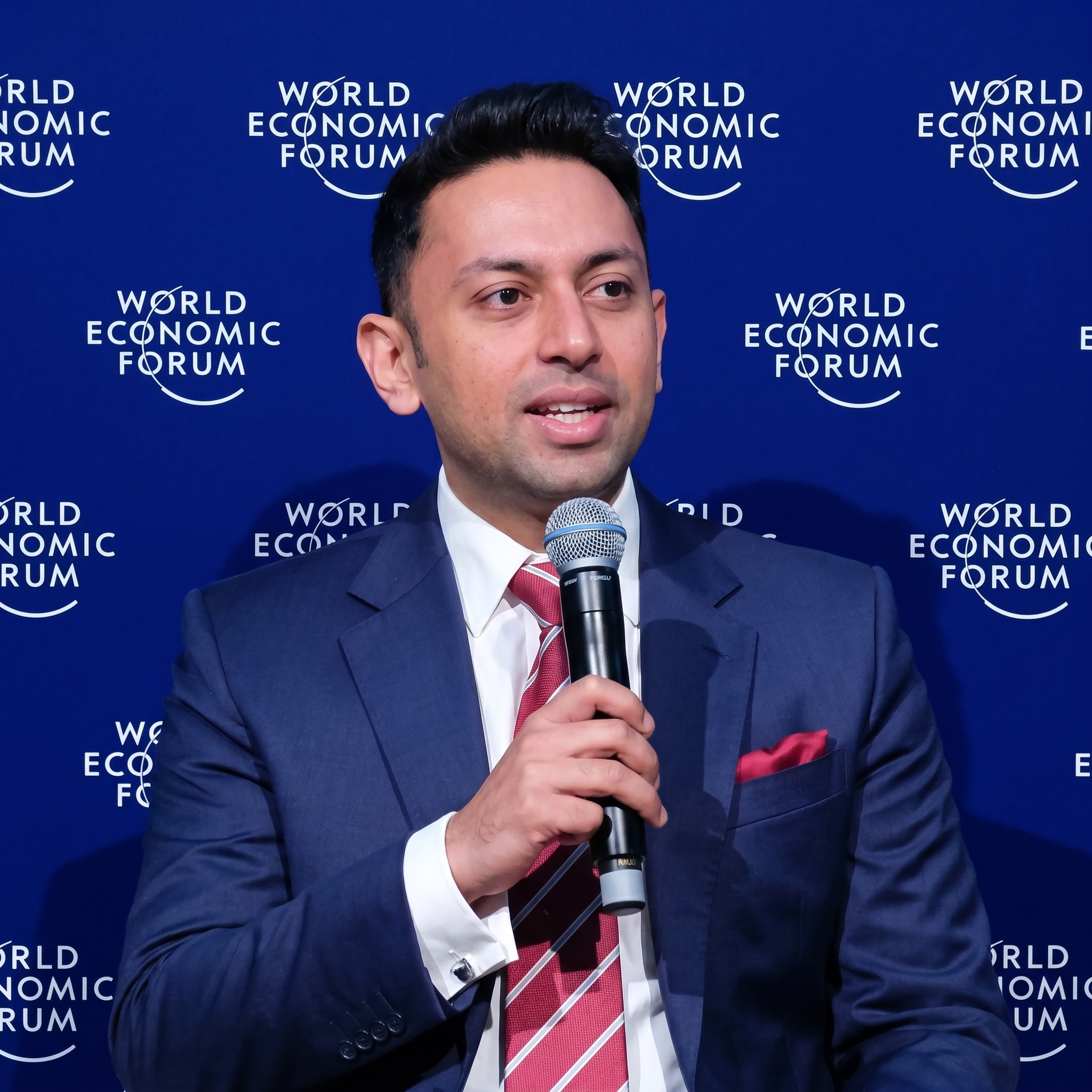
Ankit has led over 1,00,000 successful accounting data migrations. He advises businesses across the US, UK, Canada, Australia, and globally on data integrity, platform selection, and compliance-safe migration timelines.